
Ford App
The Ford App
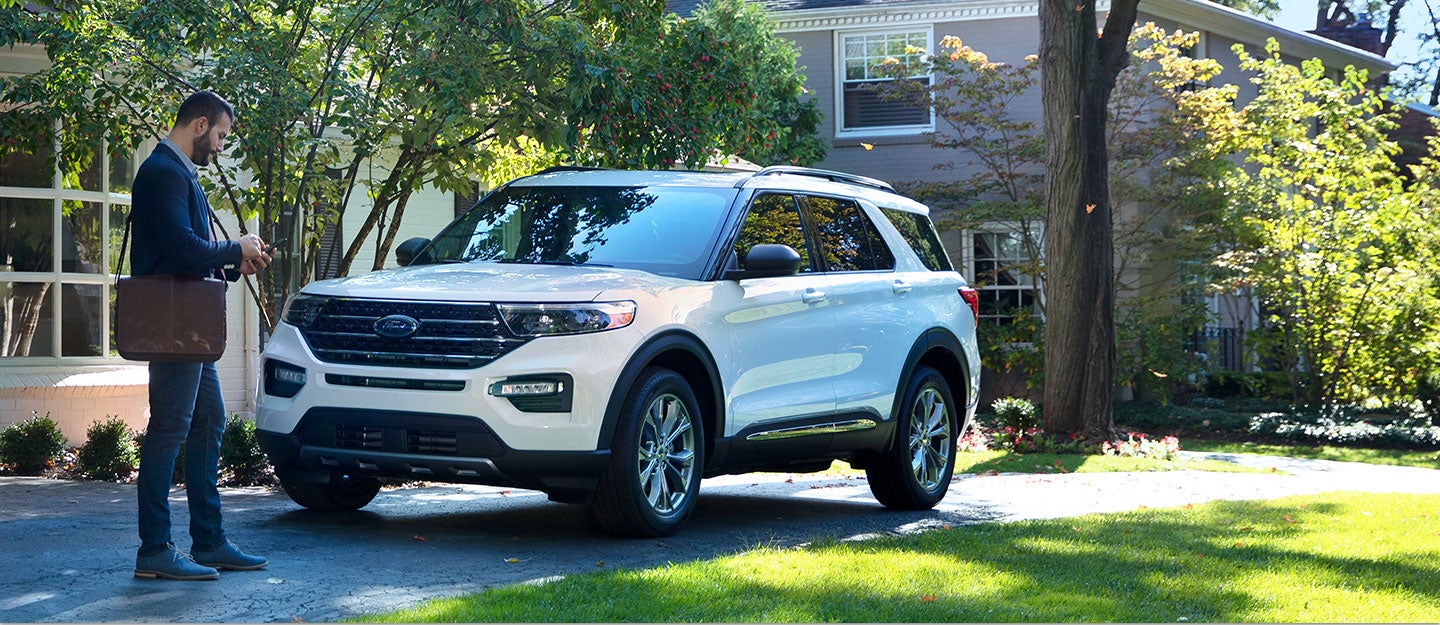
Connect, Control, and Customize Your Ford Vehicle
The Ford app is everything you need to elevate your Ford ownership – all in one place.
Access complimentary features like remote start, lock and unlock, and vital vehicle information.*
Plus, you’ll earn Points when you buy or lease a new vehicle † † or get service at our dealership with Ford Rewards.
Download the Ford App* to join Ford Rewards+ and enjoy all the benefits it has to offer.


More Perks. No Additional Cost.
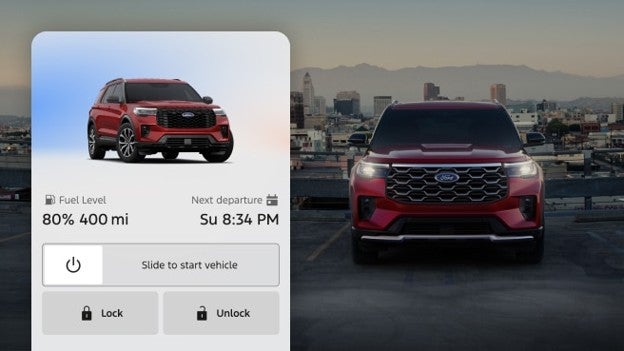
Remote Features
Get added control with available remote start, lock and unlockb
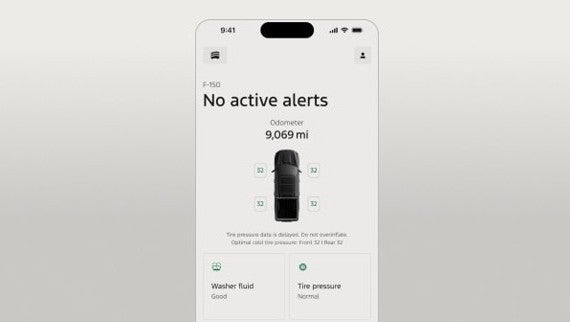
Vehicle Management
Keep track of your fuel level, vehicle stats — and use your Phone As A Key — with a simple tap.
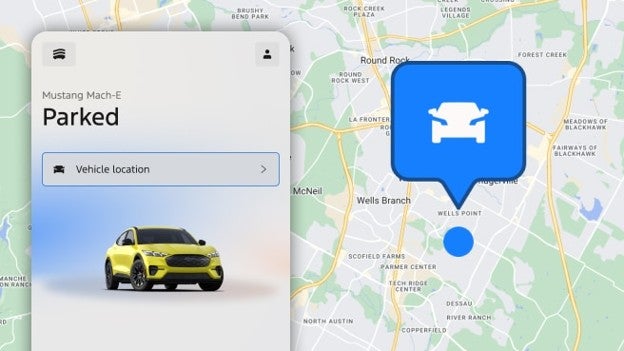
GPS Location
Don’t lose sight of your Ford with GPS tracking.
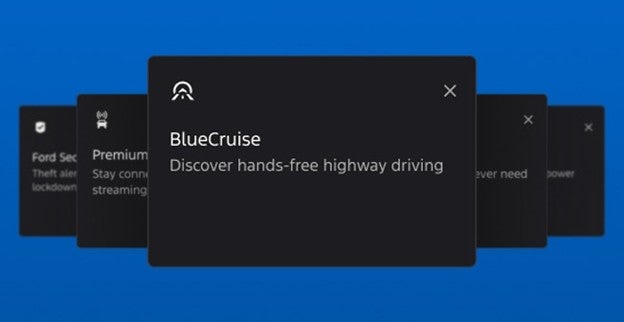
Manage Connected Services
Activate available trials, purchase services, or manage products like BlueCruise, the Ford Connectivity Package, and the Ford Security Package.
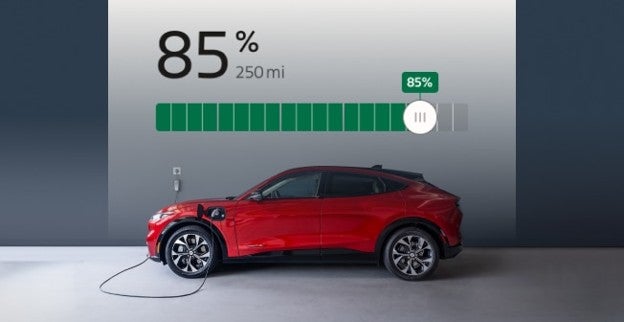
Electric Vehicle Features
Check your charge levels, precondition your Ford, and pay for public charging all in the app.
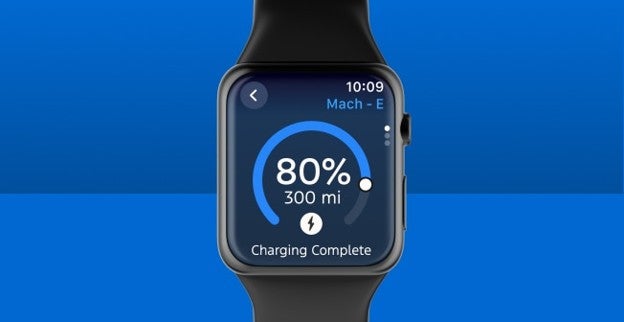
Your Info, Your Way
Watch commands, dark mode, and iOS widgets allow you to customize your Ford appa experience.
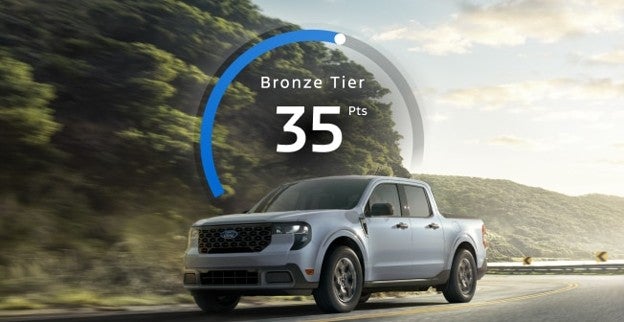
Ford Rewards
Access Ford Rewards to redeem Points for service, maintenance, and available Connected Services.c
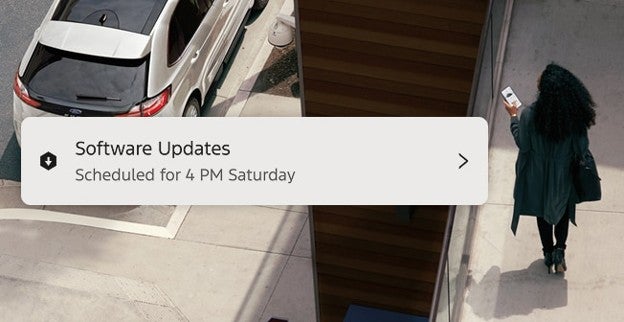
Over-The-Air Software Updates
Set your vehicle software update schedule through the Ford app.
Download Ford App.
Download the Ford App* to join Ford Rewards+ and enjoy all the benefits it has to offer.
FAQs
Upgrade your Ford ownership with the Ford app.a The app allows you access to features any time on your phone at no extra cost like remote start, lock and unlock, GPS tracking, fuel and oil stats, and much more.
You can also receive important alerts such as recall notifications, view your vehicle service history, access Ford Rewards, access Roadside Assistance, schedule your next service appointment with your preferred Ford Dealer, access Ford Credit, and more. If you already have a Ford Account, you can log in to the Ford app using your existing Ford account username and password.
Yes, when using the Ford app remote controls, you have direct access to remotely lock, unlock, and start your vehicle. It’s important to remember your vehicle still requires the presence of a keyfob to put it in drive (D) unless your vehicle is equipped with Phone As A Key.
Remote lock and unlock and remote start and stop are not standard features for all Ford vehicles. Your vehicle must first be added to the Ford app, equipped with SYNC® or the Ford Digital Experience, and your vehicle’s modem must be activated.
Evolving technology/cellular networks/vehicle capability may limit or prevent functionality. Remote features may vary by model.
You can download the Ford app in the App Store® for iOS® devices, or Google Play™ store for Android™ devices. Then create an account or log in using your existing Ford account credentials (username and password). After that, you can optimize your Ford app experience by adding a vehicle to your account.
After download, you can create a new account in the Ford app by selecting your country, choosing Next, and then selecting Create an Account. Follow the prompts from there to finish setting up your new Ford app account.
The Ford app is free to download from the App Store® for iOS® devices, or from Google Play™ for Android™ devices. To use included remote features like start, lock and unlock, and GPS tracking, your vehicle’s modem must be activated and connected to the Ford app.a
You can update your name, address, phone number, and other details on the Account screen of the Ford app.
To update your account information in the Ford app 6.X and 5.X experiences:
- Log in to the Ford app.
- Go to the Account screen.
- Select Settings.
- Choose Account Information.
- Select Edit.
- Adjust the details as needed.
- Choose Save.
- Select the back arrow to exit the screen.
To update your account information in the Ford app 5.X experience:
- Log in to the Ford app.
- Go to the Account screen.
- Select Account Information.
- Adjust the details as needed.
- Choose Save.
- Select the back arrow to exit the screen.
If you need additional assistance, contact a Guide using the Account > Help path in the Ford app.
Ford provides several ways that customers can directly disconnect Ford app’s remote access and connected services from within the vehicle. In addition, domestic violence victims can also, if they choose, submit a request to Ford to disconnect remote vehicle access by using this form.
Ways to disconnect remote vehicle access:
Perform a Master/Factory Reset
Turn off Vehicle Connectivity setting
Turn off vehicle location sharing setting
Note: If you are unable to perform these actions for any reason (e.g., a setting is locked), contact FORD at the number below.
Note: If you 1) Perform a Master/Factory Reset, 2) turn off Vehicle Connectivity setting, or 3) turn off vehicle location sharing setting, every app account connected to that vehicle will receive a notification communicating that the change has occurred. For example, if a Master/Factory Reset is performed, every app account connected to the vehicle will receive a notification that the account has been disconnected from the vehicle.
Also, if there are any devices plugged into the vehicle (e.g., dash cam, other cameras or accessories), you should unplug and discard them.
See How do I disconnect remote vehicle access for more information about ways to disconnect remote vehicle access.
To obtain a new connected vehicle app account for the vehicle, please follow the instructions on this page to download the Ford app and pair the vehicle with the app.
If you have questions regarding disconnecting vehicle access or creating a new account, you may contact us by phone. For the hearing or speech impaired: please contact the Telecommunication Relay Service by dialing 711.
Ford - United States
(800) 392-3673
M-F 8:00AM – 11:00PM EST
Sat 8:00AM – 8:00PM EST
Sun CLOSED
Disclosures
a The Ford app, formerly known as the FordPass® app, compatible with select smartphone platforms, is available via a download. Message and data rates may apply. Terms and conditions apply. Visit ford.com for our privacy notice.
b An activated vehicle modem and the Ford app are required for remote features. Evolving technology/cellular networks/vehicle capability may limit or prevent functionality. Remote features may vary by model.
c Must have an activated Ford Rewards account within 60 days of qualifying activity to receive Ford Rewards Points. Points are not redeemable for cash and have no monetary value. Point earning and redemption values are approximate and vary by products and services redeemed. See the Ford Rewards Program Terms at FordRewards.com for information regarding expiration, redemption, forfeiture, and other limitations on Ford Rewards Points.
